A mother and her daughter looking at a phone together at home

Balance

GHS 420

Attendance

96%

Parent portal Ships with SchoolLens

Bridge the gap between home and school.

GuideLens is the parent side of SchoolLens. Families see fees, grades and attendance the moment they change, so the office stops fielding the same three questions all day long.

1
login per family
3
tabs, and that is the app
30
days of attendance on screen
Term results Position in class Attendance history Fee balance Pay by MoMo Pay by card School announcements Every child, one account
What a parent sees

A list of your children, and three tabs.

A parent signs in and lands on their own children, nobody else's. Choosing a child opens results, attendance and fees. That is the whole app.

01

Results

Tab one

The term average, position in class, overall grade and attendance for the term. Below that, every subject with its class score, exam mark, total and grade, then the class teacher's and headmaster's remarks.

Ama Boateng · JHS 2 · Term 2

78.4

Average

4th

Position

96%

Attendance

SubjectClass /30Exam /70TotalGrade
Mathematics275885A1
Integrated science224971B3
English language245276B2
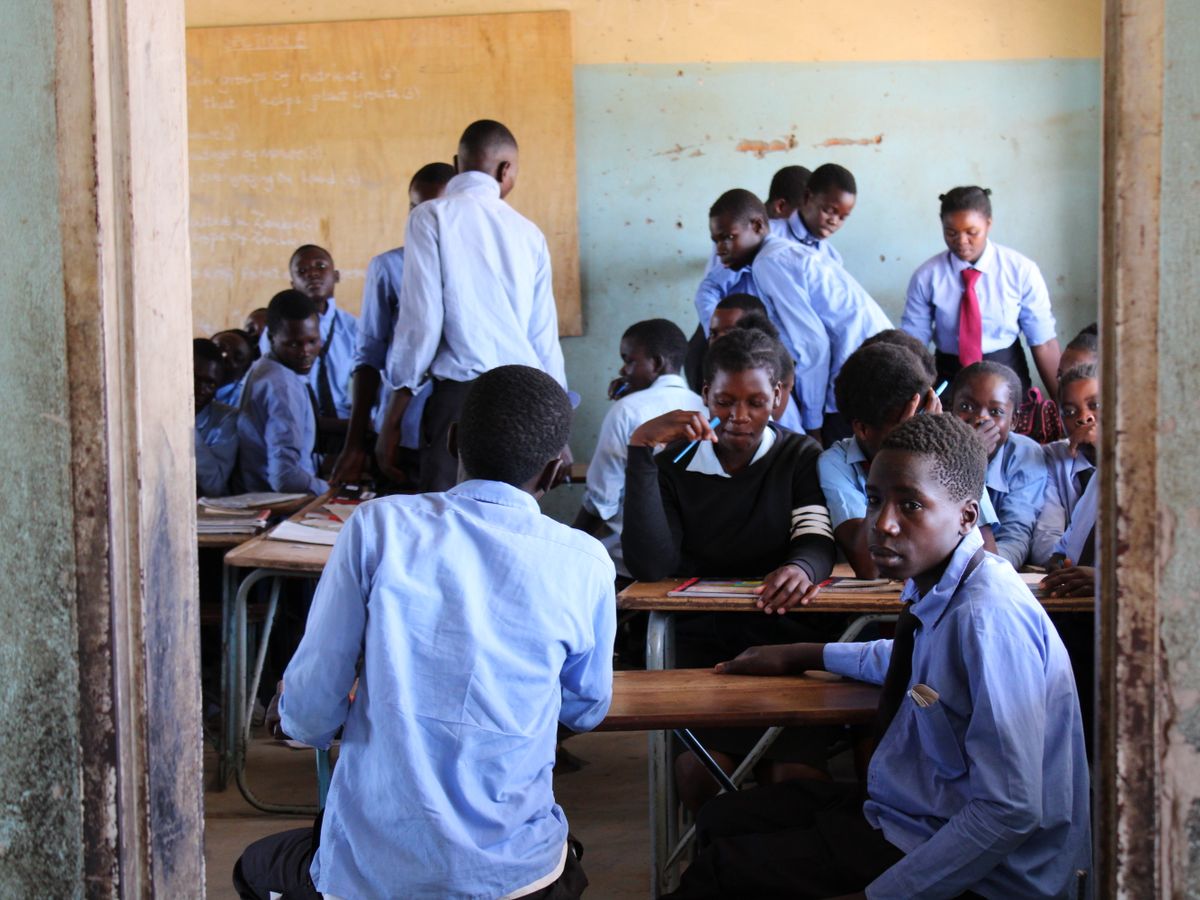
Pupils in uniform at their desks in a classroom
02

Attendance

Every recorded day for the last 30 days, with its mark: present, absent, late or excused. No phone call to the office to find out whether a child arrived.

Present Late Absent Excused

Nothing goes out before it is signed

Results appear to a parent only after the school has released that term's report cards. Until then the tab says plainly that there are no published results for the current term, rather than showing a half finished card.

A corrected card shows the correction once the head has signed it again.

How report cards are released
03

Fees

Tab three

Every bill with its number, status, total and balance. Any bill still carrying a balance offers two buttons, and either one opens a secure payment page.

Pay from home and the receipt appears in the school office under Receipts straight away. No paperwork travels in a school bag.

INV-2026-0418 Partial
Balance GHS420.00
Next due12 Sep
Pay with MoMo Pay card
For the family

The school, in a parent's pocket.

01

One login, every child

Siblings registered against the same guardian appear under one account, so a family with three children signs in once, not three times.

02

Announcements and reminders

School notices arrive by text message, email or both, and a fee reminder appears in the parent view whichever channel the office picked.

03

Pay without leaving home

Pay a balance by mobile money or card, and the receipt appears in the school office under Receipts straight away.

04

Their children only

A parent cannot reach anybody else's record. The menu only offers what the role allows, and the server checks again on every request.

For the office

The front desk gets its morning back.

GuideLens is not a second system to keep in step. It reads the same record your office already works from.

01

The same three questions, answered once

How much do we owe, did the results come out, was my child in today. Every one of them is on a screen the parent already has.

02

No second system to keep in step

A payment taken at the desk updates the parent's balance, and a payment made at home appears under Receipts. One record, two views.

03

Nothing goes out before it is signed

Results reach parents only after the head has released that term's report cards. A corrected card shows the correction once it is signed again.

04

Reminders that do not annoy

A resting period stops the same family being chased twice by two members of staff, and families with no phone or email are listed so somebody can telephone instead.

Both sides at once

GuideLens ships with SchoolLens.

It is not a separate purchase or a separate database. It is the parent's view of the record your office already keeps. Ask us to show you both sides at once.